
The AI Short Video Maker Where
Every Frame Gets Minted
VidMint is a free AI short video maker for iOS and Android that combines auto captions, one-tap editing and a mint-reward system that pays creators in coins. Record, edit and publish a vertical video in minutes — then mint your best moments into a growing content balance.
COMING SOON · 即将上线See VidMint in action
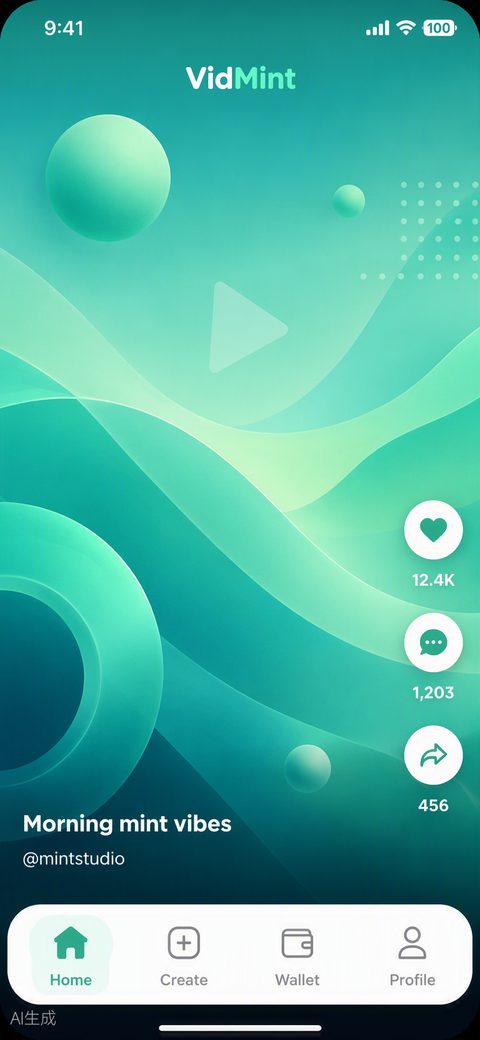
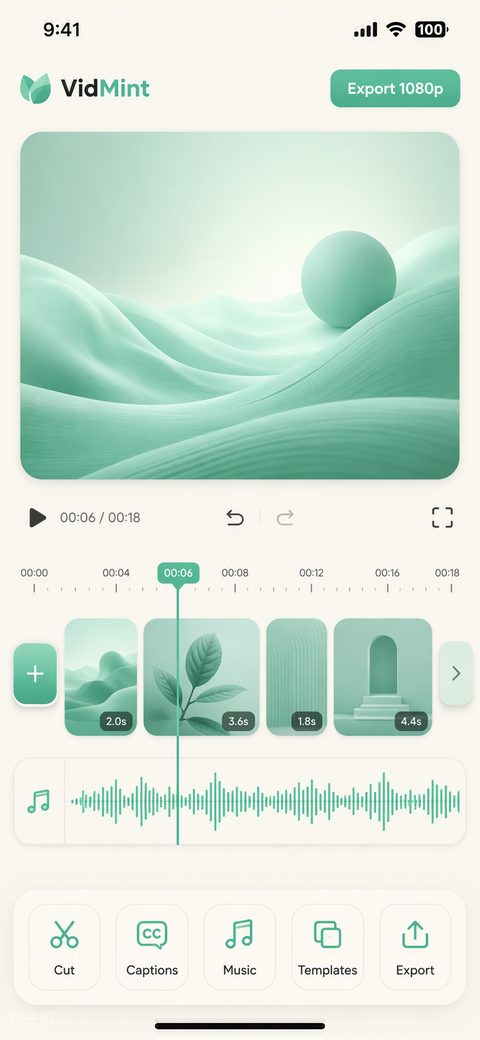
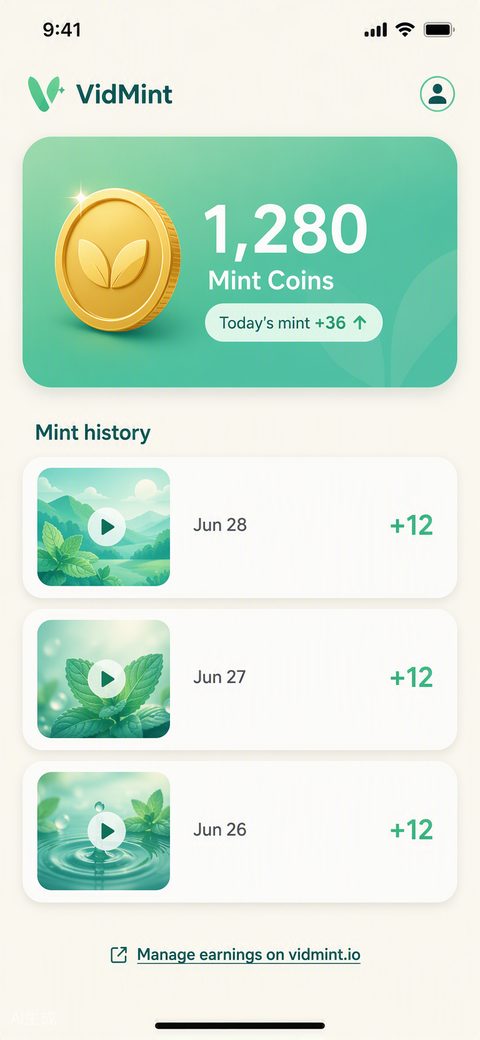
Three screens tell the VidMint story: a mint-fresh vertical feed tuned to your interests, the one-tap AI editor where raw clips become finished shorts, and the wallet where minted coins accumulate daily.
Also on the web: create on the big screen
VidMint syncs to your browser: open vidmint.io on any computer to keep editing on a full-size timeline, review analytics comfortably, and cash out mint rewards through the web wallet — same account, same projects.
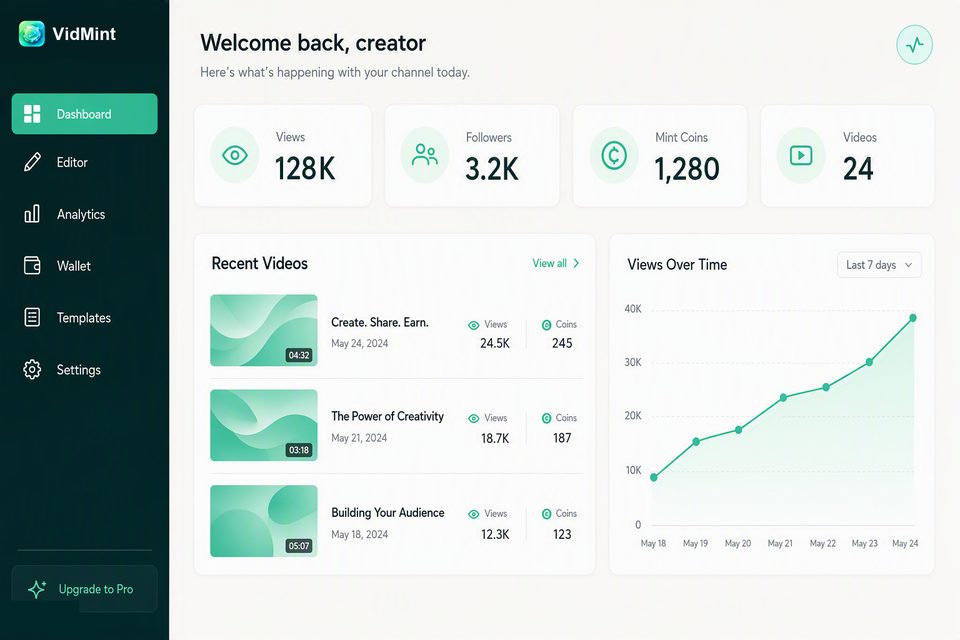
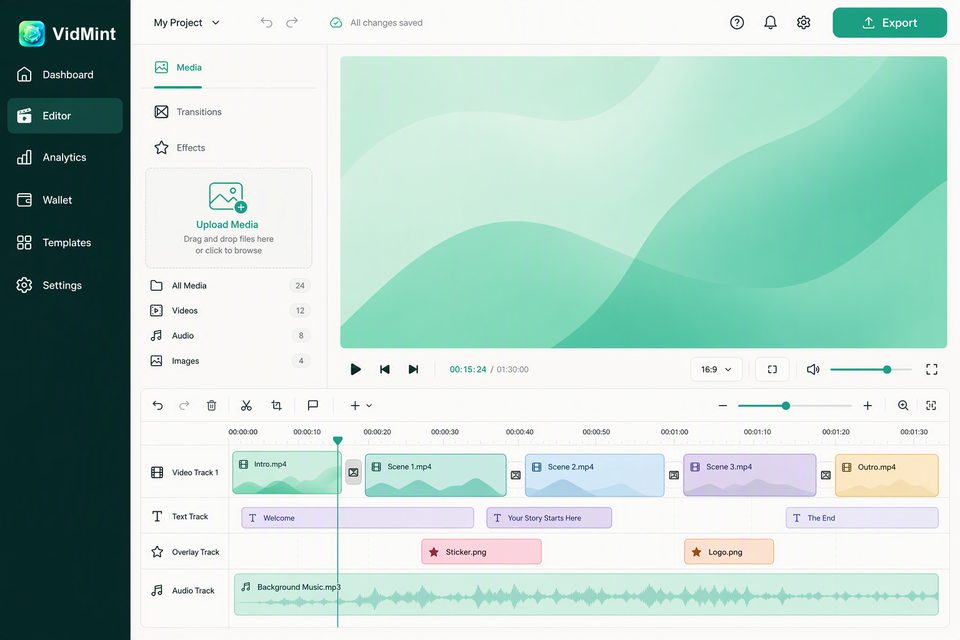
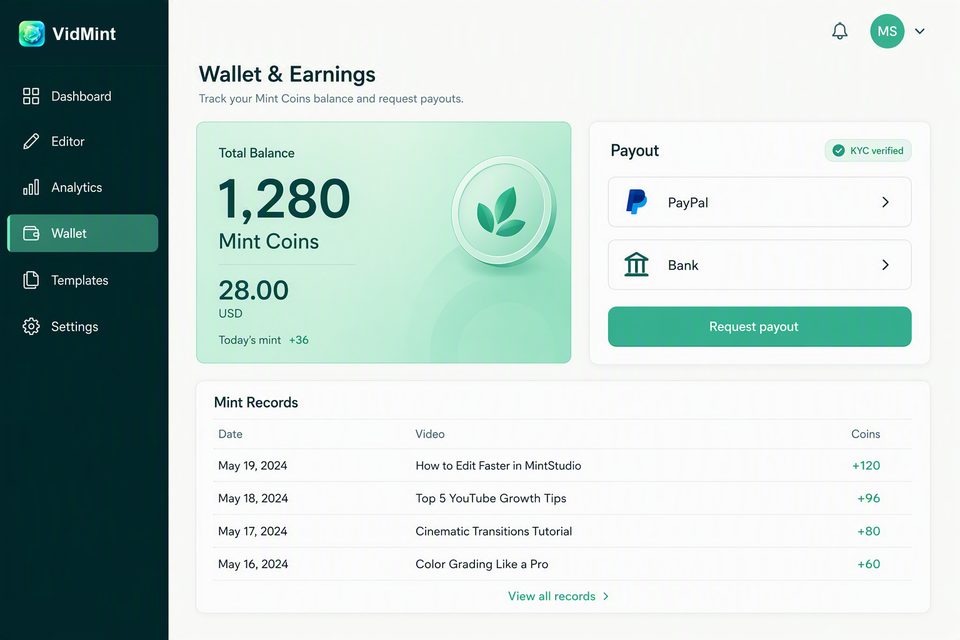
Phone for capture, desktop for craft — projects move between the app and the web studio automatically, so a clip shot on your iPhone is waiting on the big screen when you sit down.
Everything you need to mint a great short video
VidMint bundles the four jobs of short-video creation — captioning, cutting, styling and publishing — into one mint-green workflow, so a clip goes from camera roll to posted in under ten minutes without a desktop editor.
AI Video Editor
Auto-cut silences, one-tap templates, music and 9:16 export presets for TikTok, Reels and Shorts. Editing that feels like messaging, not like work.
Explore the editor →Mint Rewards
Quality content mints coins to your in-app wallet. Transparent rules, daily minting, real cash-out — your creativity becomes an asset that compounds.
How minting works →A Fresh Community
An algorithm with breathing room. No doomscroll loops, no engagement bait — just a feed tuned to help you find creators on your wavelength.
See the community →Browse the full toolkit on the VidMint features hub, or go straight to the download page to get the app.
How VidMint works in three steps
Creating with VidMint takes three steps: import or record a clip, let the AI editor caption and cut it, then publish and mint. Most first-time users finish a postable video within ten minutes of installing the app.
Record or import
Shoot inside the app or pull clips from your camera roll. VidMint accepts any vertical or horizontal footage and reframes it to 9:16 automatically.
Edit with AI
Auto captions in 40+ languages, silence removal, beat-synced cuts and mint-green caption styles — applied in one tap, adjustable in seconds.
Publish and mint
Export watermark-free or post straight to your VidMint profile. Videos that hit the quality bar mint coins to your wallet every day.
Made by creators who mint daily
VidMint's creator showcase is where real users publish their minted videos with the numbers attached — views, watch time and coins earned — so new creators can see exactly what the reward system pays for.
Our launch showcase is being curated with early-access creators now. Each case study will include the raw clip, the edited cut, the editing time and the mint payout, because verifiable numbers build more trust than any slogan. Want to be featured? Tell us about your channel — early showcase creators receive a boosted mint rate for their first 90 days.
Why creators are switching to VidMint
Creators switch to VidMint for three concrete reasons: the free plan exports without a watermark, auto captions reach roughly 99% speech accuracy in quiet recordings, and mint rewards pay smaller creators without requiring a brand deal or a follower threshold.
- No watermark, ever — free exports stay clean, unlike most mobile editors.
- Captions that earn watch time — industry studies consistently link captions to higher completion rates, and VidMint generates them in one tap.
- Rewards from day one — minting is based on content quality signals, not follower counts, so a new account can earn from its first video.
- A calmer feed — the community algorithm caps session loops to protect both viewers and creators from burnout.
For a deeper comparison with the editor you probably use today, read our honest VidMint vs CapCut breakdown and the short video monetization guide on the creator blog.
Frequently asked questions
Is VidMint free to use?
Yes. VidMint is free to download and free to use, with auto captions, one-tap editing and watermark-free export included in the free plan. An optional VidMint Pro upgrade unlocks 4K export, premium templates and higher mint-reward rates.
Does VidMint add a watermark to exported videos?
No. Videos exported from VidMint carry no watermark on any plan, including the free plan. Your content stays yours — we believe a watermark tax on beginners is the wrong way to grow a creator community.
What is minting on VidMint?
Minting is VidMint's creator reward mechanic: when your video meets transparent quality and engagement criteria, the app mints coins to your balance. Coins accumulate in your in-app wallet and can be cashed out once you pass the payout threshold.
Can I post VidMint videos directly to TikTok, Reels and Shorts?
Yes. Every project exports in 9:16 vertical format with platform-ready presets for TikTok, Instagram Reels and YouTube Shorts, so aspect ratio, length and safe zones are handled for you.
Does VidMint use my videos to train AI models?
No. Your private drafts and uploads are never used to train AI models. Only anonymized, aggregated product analytics are collected, and you can opt out in Settings. Details are in our privacy policy.
Mint your moments
每一帧,都值得被铸造. Experience VidMint Free, make your first captioned short in ten minutes, and start minting from day one.
Experience VidMint Free